Library
Every recording, filed,
searchable, and yours.
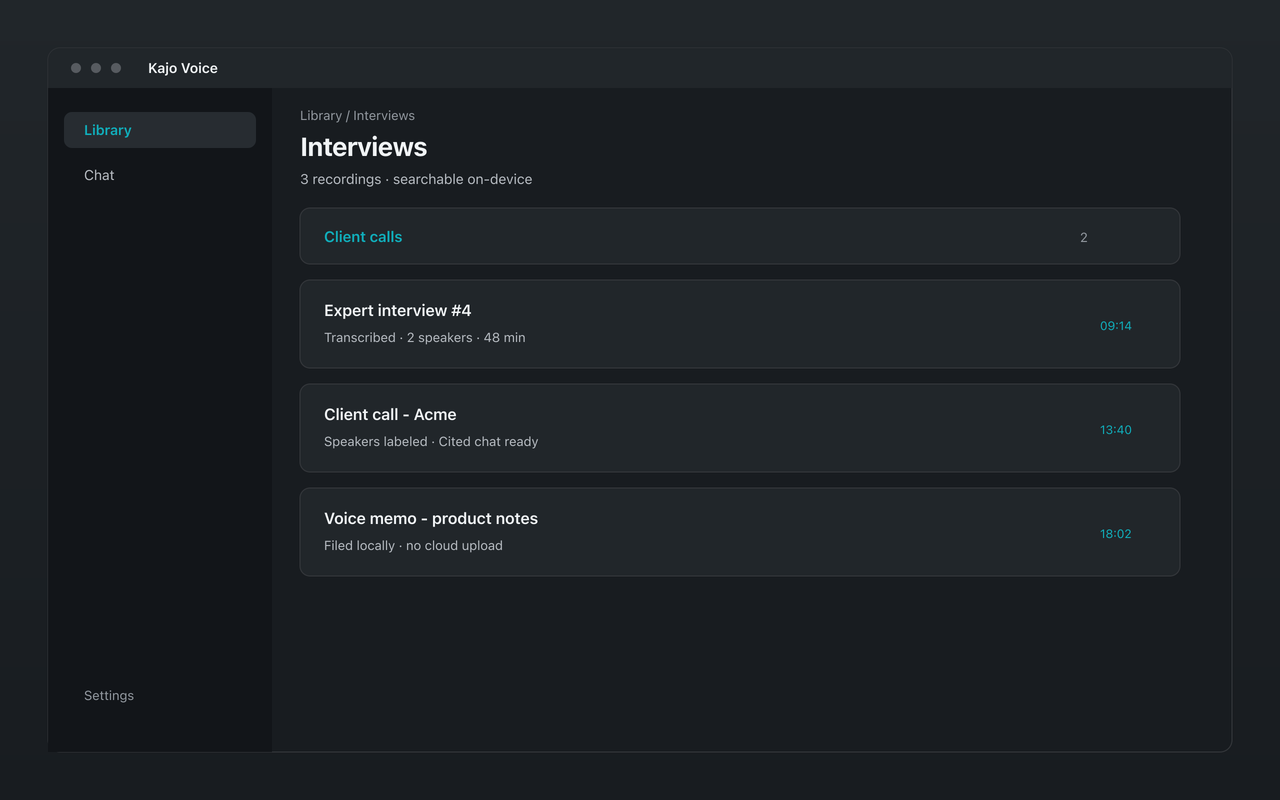
Kajo files every transcript and translation into a private library on your own computer — organized in folders, searchable across every recording, and never synced to anyone's server.
What you get
Folders are the confidential unit
File each study, matter, client, or story in its own folder, nest folders as deep as you like, and drag recordings into them. Chat answers from the folders you pin, so the way you file is the way you keep one client's recordings out of another's answers.
Search every transcript
Find the sentence you half-remember across every recording — whole words or fragments, including the corrections you have made. When you want answers by meaning rather than by words, ask the folder in Chat.
Private on disk
Transcripts, translations, speaker names, chats, and the search index live in one local SQLite database (`kajo.db`) with no database key, so your OS account and full-disk encryption are what protect it. Kajo's playback copy of each recording sits beside it under your account's file permissions, so keep disk encryption on. Backups you export are plaintext too.
Every recording keeps its real date
Kajo reads when a recording was made from the file — its embedded creation date, or else the file's own date — and you can correct it. So “since March” or “the last six sessions” means when things were said — not the day you imported them.
Deletion that means it
Delete a recording and Kajo removes its audio copy, transcript, search index, and every chat pinned only to that recording; other chats lose their citations to it but keep their answer text. The original file on your disk is never touched.
Built for years, not weeks
Filter by starred, errors, not yet transcribed, or language; star what matters; export any single file when you need it. On Lifetime, batch-export a whole study or matter when it closes.
What it will not do
- Sync between computers — each library lives on the machine it was built on.
- Share a workspace with a team. Kajo is built for one person's archive, not a shared cloud notebook.
- Delete your original files. Removing a recording from Kajo leaves the file on your disk for you to handle.
Frequently asked questions
Where is my library stored?
On your computer: the text in a single local SQLite database (`kajo.db`) and a compact playback copy of each recording beside it. The database is plaintext — your OS account and disk encryption protect it — and none of it syncs to Kajo or anyone else.
How many recordings can I keep?
As many as your disk holds. Free covers 5 files or 150 minutes of audio — total, for life — and every recording you import is fully searchable and askable in chat. One $49 purchase lifts the import cap.
What exactly does deleting a recording remove?
Kajo's copy of the audio, the transcript and its translations, the search index, and any chat pinned only to that recording. Other chats stay, with citations to it removed; their answer text is not rewritten. Your original file on disk is not deleted.
Can I keep two clients' recordings apart?
Yes — that is what folders are for. Chat answers only from the folders or recordings you pin, and searching the whole library takes an explicit confirm.