Transcribe
Transcripts with speakers,
made on your machine.
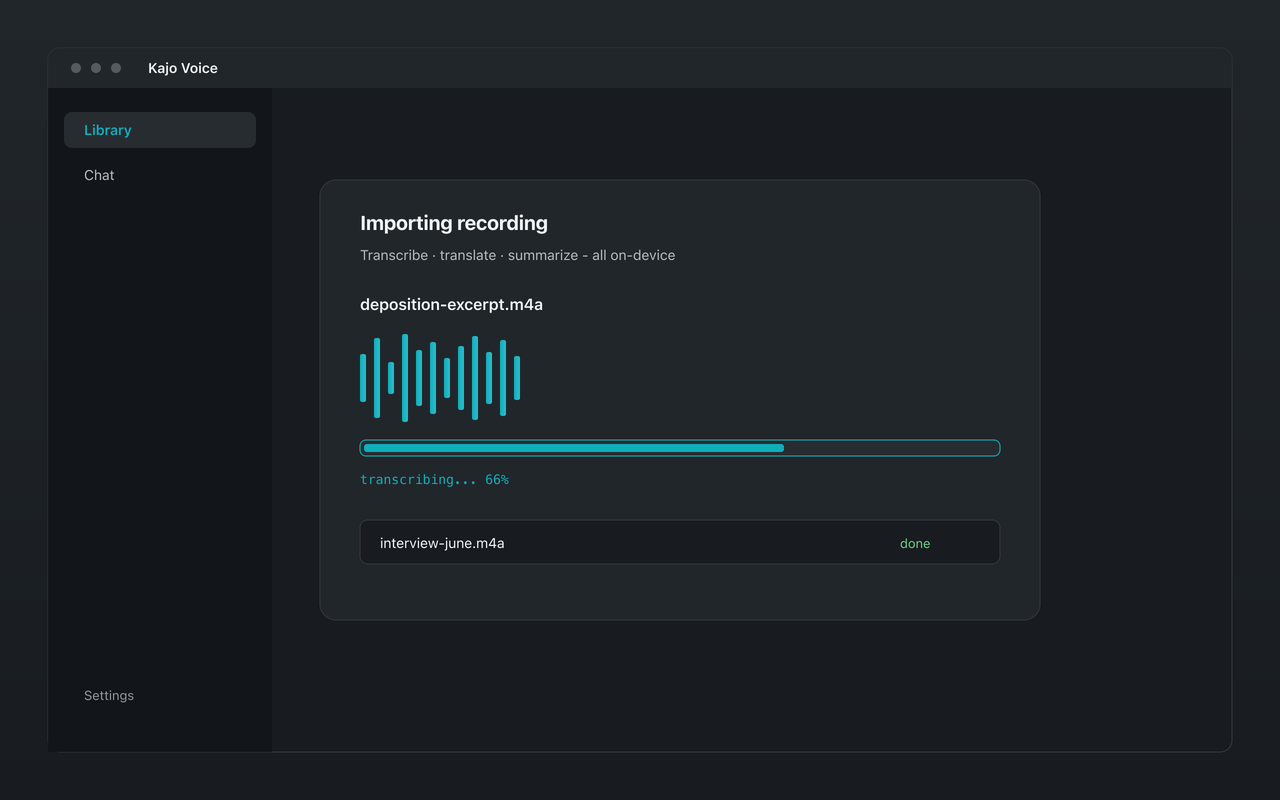
Drop in any audio or video you already have. Kajo transcribes it on your own computer, labels who spoke, and translates it if you need it — the audio never uploads.
What you get
Any file you already have
MP3, M4A, WAV, FLAC, AAC, and OGG audio; MP4, MOV, MKV, and WebM video, among others. Drop in single files or whole folders — or, on Lifetime, point a watch folder at a directory and new recordings import and transcribe themselves.
99 languages, detected for you
Whisper large-v3 turbo — 99 languages, on-device via whisper.cpp. The language is detected from each recording, so there is nothing to set per file. Accuracy varies by language and, above all, by how the recording was made.
Speakers, labelled automatically
After transcription, Kajo works out who spoke when — up to eight speakers per recording, on-device. Rename a speaker once (“Witness A”, “P04”, “Expert 2 — former payer VP”) and every transcript line, export, and new chat answer uses the name. Reassign a turn, or restore the automatic labels, whenever you need to.
Fix it in place
Correct a misheard name or term right in the transcript; the correction carries into search and exports without re-transcribing. Switch on “Highlight words as they play” to follow along (the alignment is approximate), and every timestamp jumps to its moment.
Translate on-device
Translate a transcript into any of 59 languages with the same local Gemma 4 model — no translation API. Segments that need a second look are flagged for review, and one click asks a foreign-language recording questions in English.
Export to the tools you use
TXT, Markdown, DOCX, PDF, SRT, VTT, JSON, CSV, and QDPX for NVivo, ATLAS.ti, and MAXQDA — plus bilingual SRT and VTT subtitles. Exporting one file is free; Lifetime adds batch export.
All 99 languages
Afrikaans, Albanian, Amharic, Arabic, Armenian, Assamese, Azerbaijani, Bangla, Bashkir, Basque, Belarusian, Bosnian, Breton, Bulgarian, Burmese, Cantonese, Catalan, Chinese, Croatian, Czech, Danish, Dutch, English, Estonian, Faroese, Filipino, Finnish, French, Galician, Georgian, German, Greek, Gujarati, Haitian Creole, Hausa, Hawaiian, Hindi, Hungarian, Icelandic, Indonesian, Italian, Japanese, Javanese, Kannada, Kazakh, Khmer, Korean, Lao, Latin, Latvian, Lingala, Lithuanian, Luxembourgish, Macedonian, Malagasy, Malay, Malayalam, Maltese, Maori, Marathi, Mongolian, Nepali, Norwegian, Norwegian Nynorsk, Occitan, Pashto, Persian, Polish, Portuguese, Punjabi, Romanian, Russian, Sanskrit, Serbian, Shona, Sindhi, Sinhala, Slovak, Slovenian, Somali, Spanish, Sundanese, Swahili, Swedish, Tajik, Tamil, Tatar, Telugu, Thai, Tibetan, Turkish, Turkmen, Ukrainian, Urdu, Uzbek, Vietnamese, Welsh, Yiddish, Yoruba.
What it will not do
- Join a call, record a meeting, or capture your computer's audio — Kajo transcribes files you already have.
- Produce a certified or court-ready transcript. Review anything that will be filed, published, or quoted.
- Split overlapping speech: when two people talk at once, the words and the speaker label go to one of them.
- Tell more than eight speakers apart in one recording — later voices merge into existing labels.
- Keep two similar voices apart when each speaks at length, back to back — they can share one label.
Frequently asked questions
Does Kajo upload my audio to transcribe it?
No. Transcription runs on your computer, and so do speaker labels, translation, summaries, and chat. Kajo has no cloud-processing path, so there is nothing to opt out of.
How long does transcription take?
It depends on your hardware. On an Apple Silicon Mac, transcription ran at 52.8× realtime — an hour of audio in a little over a minute. On the M1 Max these figures come from, a six-hour deposition is about seven minutes of transcription plus under two minutes of speaker labelling. Windows and Linux PCs transcribe and label speakers on the CPU, which takes much longer, and neither has yet been timed on its own hardware. The measurements, and how they were taken, are on What runs on your machine; the free allowance is the honest way to time it on yours.
Is there a per-minute fee?
No. You pay once and your machine does the work. Free covers 5 files or 150 minutes of audio — total, for life. A single $49 purchase removes the caps, and your installed version keeps working forever.
Can Kajo record my calls or join my meetings?
No. Kajo has no recorder and no meeting bot. Record with the tool you trust (with everyone's consent), then drop the file in — or let a Lifetime watch folder pick it up.
How does Kajo compare with MacWhisper or Superwhisper?
Both are good local tools, and Superwhisper is built around dictation. Kajo is built around the archive: every transcript is filed into a private library you can search and ask questions across, with citations — on Mac, Windows, and Linux. The comparison pages have the details.