The cloud cleanup pitch
Once a vendor has your file, they can run proprietary filters, charge for “enhanced” accuracy, and keep a copy under their retention policy. The marketing language is cleanup; the architecture is custody. For interviews, depositions, session recordings, and source tapes, that trade is often unacceptable.
Browser-based tools compound the issue: your recording traverses their network before you see a transcript. Even if the vendor is well-intentioned, you have expanded the trust boundary to include their staff, subprocessors, and legal process.
What Kajo actually runs
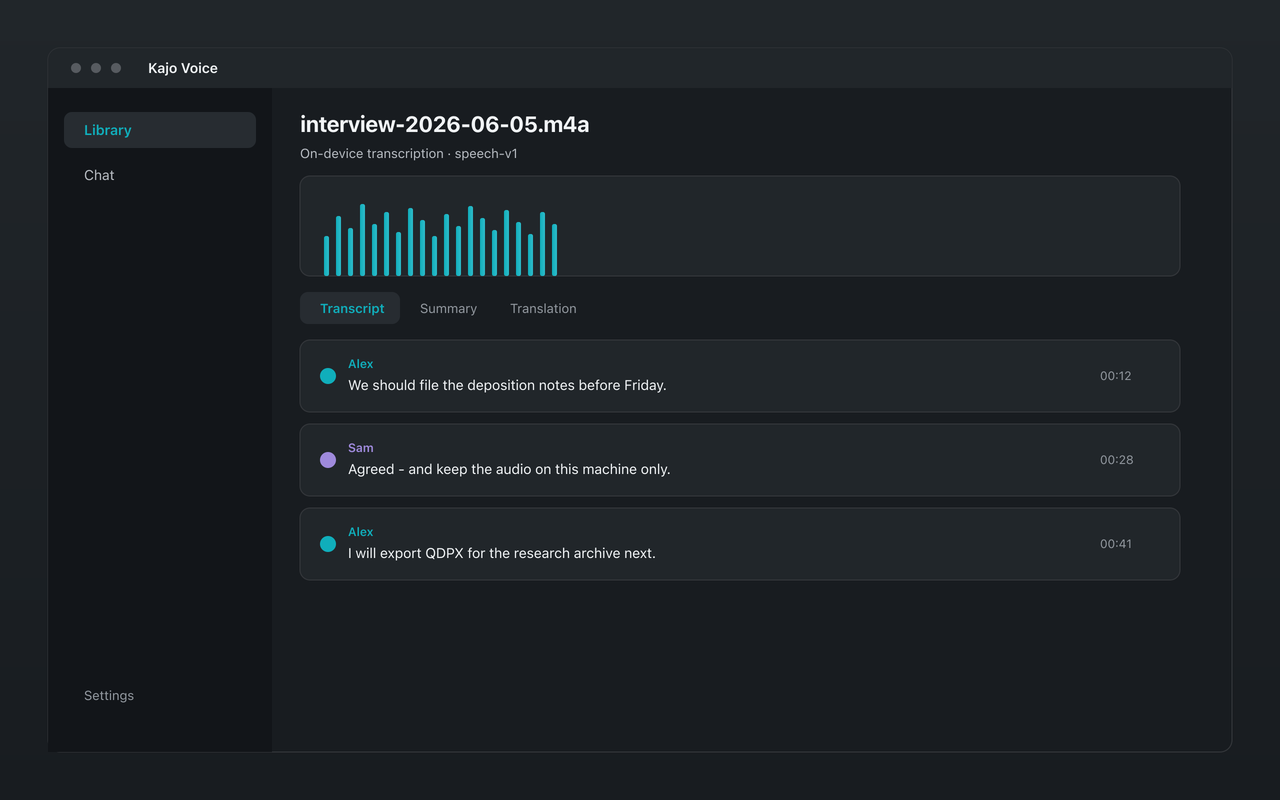
Kajo Voice transcribes on-device on your Mac, Windows, or Linux machine: one engine with two decode profiles — speech, and one for sung vocals — chosen automatically before transcription, plus a small duplicate-line cleanup after decoding. No open-ended re-transcribe, no cloud “cleanup” stage. Translation, summaries, and cited chat run on the same on-device Gemma 4 model.
That is intentional simplicity. Upload-then-clean pipelines sound impressive in a blog post; they also hide failure modes and invite paid cloud fallbacks. Kajo has no cloud fallback of any kind. If the model misses a word, you hear the same audio the model heard — on your disk.
- Audio never uploads — there is no off-device cleanup stage to sell.
- Two decode profiles for conflicting audio (speech versus singing) — still fully local.
- Free tier lets you validate accuracy on your accents and mics before you pay once.
How to get better transcripts without a cloud pipeline
Capture quality still matters. Prefer a close mic over a room mic. Reduce HVAC and keyboard noise at the source. For music and songs, leave Auto on or pick Lyrics so silence detection does not strip sung vocals. Import existing recordings into the library and ask them with citations — the archive compounds even when a single file is imperfect.
If a cloud vendor’s cleanup demo looks magical, ask where the audio went, how long they keep it, and what happens under a subpoena. Kajo’s answer is short: it never left your machine.
Try the on-device path
Download free, transcribe a representative clip, then unlock Lifetime when the allowance is not enough — one payment, local-only.