The Linux gap across voice AI tools
None of the seven products below ships a native Linux app. Several run in a browser on Linux — with your audio processed in their cloud.
| App | Native Linux | Where it does ship |
|---|---|---|
| Granola | ❌ | macOS, Windows, iOS, Android — no Linux build, no public Linux roadmap |
| Wispr Flow | ❌ | macOS, Windows, iOS, Android — Linux listed as unsupported (waitlist only) |
| Otter.ai | ❌ | macOS and Windows desktop apps, web, mobile — browser only on Linux |
| Heidi Health | ❌ | Windows and macOS desktop apps, web, mobile — browser only on Linux |
| Plaud Desktop | ❌ | macOS and Windows |
| Krisp | ❌ | Windows and macOS — Linux and ChromeOS unsupported |
| Microsoft Copilot Voice | ❌ | Windows, macOS, web, iOS, Android — browser only on Linux |
| Kajo Voice | ✅ | .deb · .rpm · AppImage · tar.gz — x86_64 and ARM64 |
Why most voice AI tools skip Linux
Most consumer AI apps launch on macOS first because that’s where the early-adopter market is concentrated. macOS provides ScreenCaptureKit for system audio capture, Swift/SwiftUI for fast UI iteration, and notarization for instant trust. Shipping macOS-only is a defensible short-term choice.
The problem is that macOS-first architecture tends to become macOS-only architecture. Meeting recorders lean on the platform’s system-audio capture path — on macOS, the Screen & System Audio Recording permission — and each new platform means another capture backend. Granola, for example, added a separate Windows build; Linux (PipeWire/PulseAudio) would be a third backend to write and support.
Wispr Flow and Krisp already ship Windows builds, so for them Linux is a distribution decision rather than a rewrite: package signing, repository maintenance, and a wider support matrix that teams deprioritize in favor of feature velocity.
The result: by mid-2025, when StatCounter first measured Linux above 5% of US desktop OS share, every major voice AI tool was still shipping “macOS + Windows only.” The Linux desktop crowd — developers, researchers, practitioners, sysadmins — has unusually high willingness to pay for tools that respect their machine, and no native options.
Why Kajo ships native Linux from Day 0
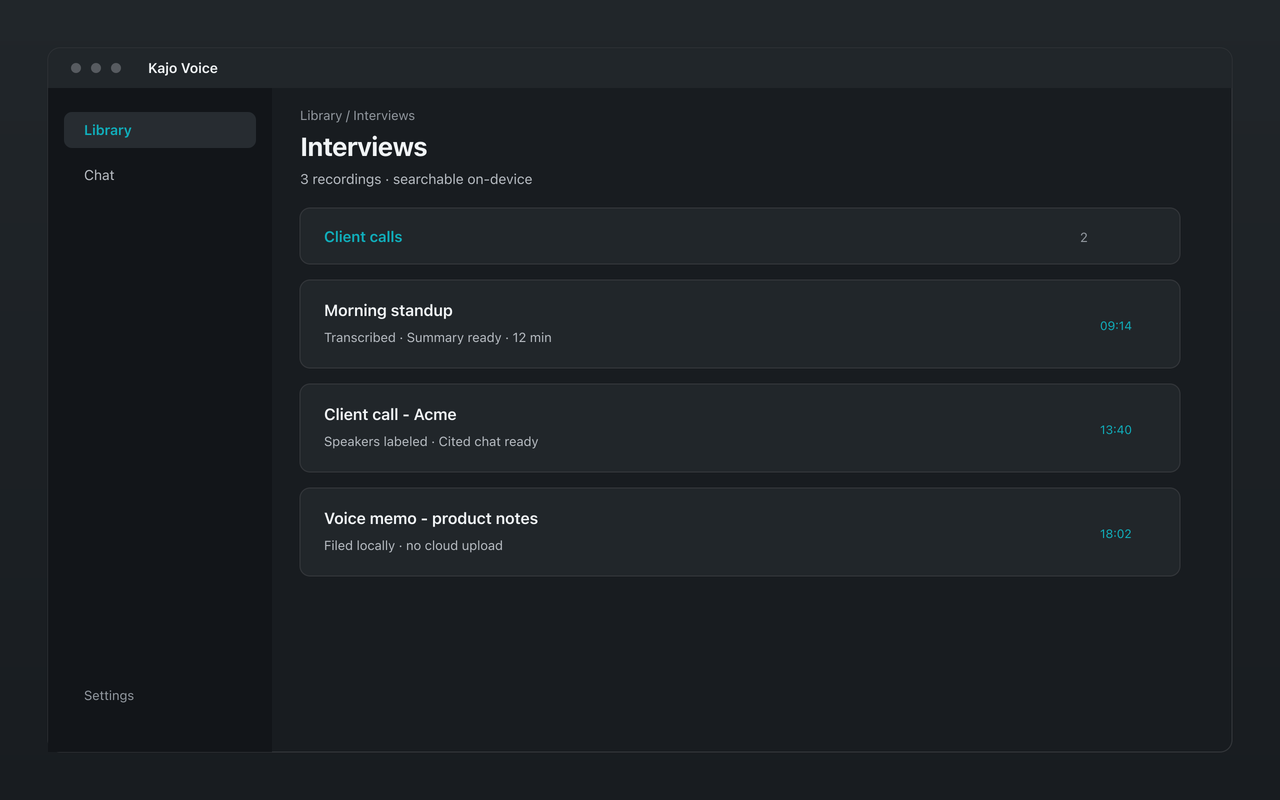
Kajo is built on Electron + React 19, which runs on Linux without modification. File decode and transcription use cross-platform stacks (ffmpeg + whisper.cpp) rather than macOS-only frameworks, and the on-device engines build native Linux binaries for both x86_64 and ARM64. The product loop is import-first: drop files in, transcribe on-device, file into a private library — there is no system-audio capture path to port.
Every release ships .deb, .rpm, AppImage, and tar.gz for x86_64 and ARM64, built in CI. The Linux build is the same full-featured app as macOS and Windows, with no feature gaps: on-device transcription, translation, and summaries, the private searchable library, and cited chat across your archive with the built-in local model. The one-time Lifetime purchase unlocks the same things on every platform.
Who benefits most from a Linux-native voice AI
Developers on Linux workstations
Cited in-app chat runs entirely on-device over your local archive — no cloud, no API keys, no external agent wiring.
Researchers and academics
Local-first means audio from sensitive interviews, confidential fieldwork, or proprietary research never leaves your machine. Transcription runs fully on-device with no API key required.
Sysadmins and DevOps engineers
Transcribe imported recordings and search them on the same machine where you run your terminal. AppImage and .deb/.rpm make it easy to roll out across workstations.
EU-based practitioners on regulated systems
GDPR-aligned architecture — local processing means audio and transcripts are not transferred to third countries for cloud ASR. You still own your overall compliance program. No subscription required for local-only use.
Try Kajo Voice on Linux today
.deb, .rpm, AppImage, or tar.gz — pick your install method. Free tier, no account required.