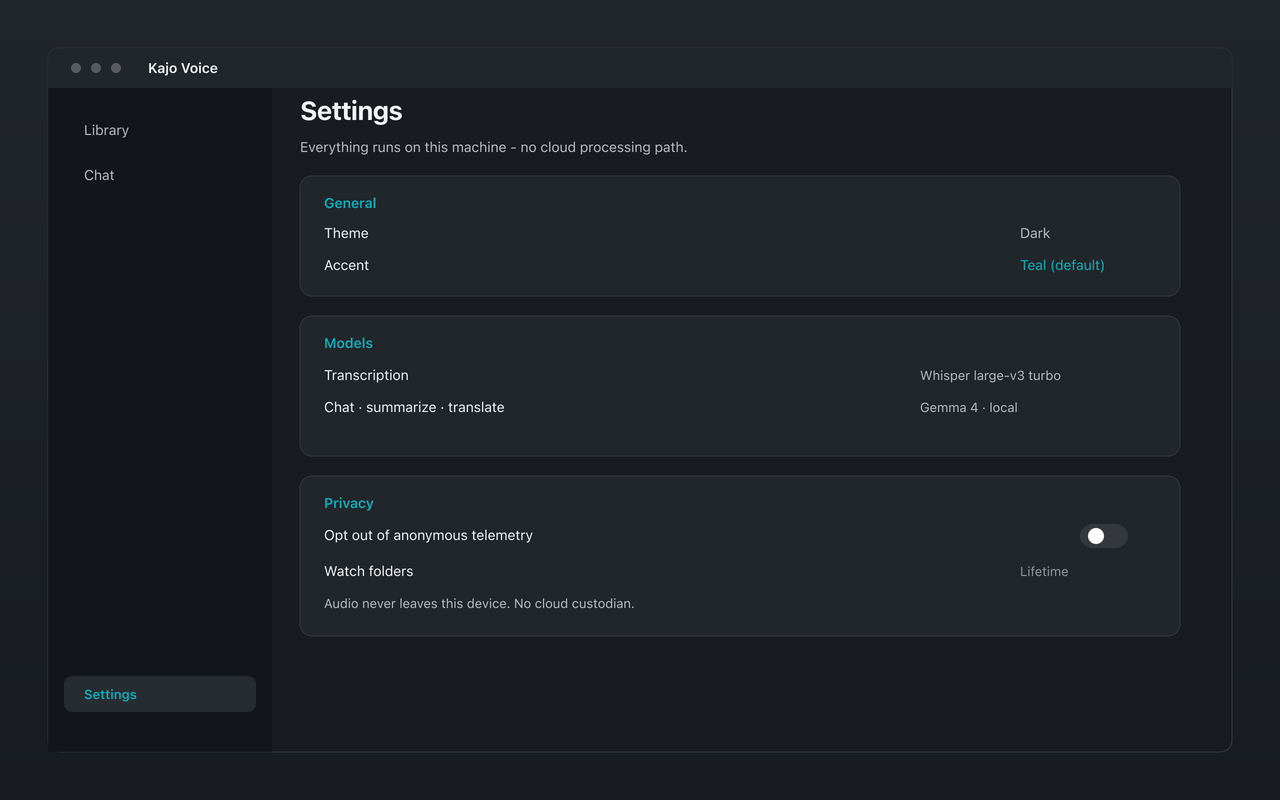
Interview archives die from friction. The recording lands in Downloads, sits for a week, and never becomes a searchable transcript. Watch folders fix the intake step: point Kajo Voice at a directory on disk, and new audio and video files are picked up for local import and transcription — without uploading a library to a vendor.
This article is for people who accumulate files steadily: field interviews, expert-call exports, deposition video, session recordings. The goal is a boring, reliable path from “file appeared on disk” to “file is in the private library.”
What a watch folder is (and is not)
A watch folder is a local directory Kajo monitors. When a new supported file appears — in that folder or any folder nested under it — it is enqueued through the same import pipeline you use for manual pick/drop. Transcription still runs on-device. The library still lives on your machine.
A watch folder is not:
- Cloud sync (Dropbox or Drive may copy files around, but that is your sync tool — not Kajo processing in the cloud)
- A live meeting bot that joins Zoom
- A substitute for consent, a retention policy, or encrypted disks
Keep those distinctions sharp in SOPs and IRB descriptions.
Watch folders are a Lifetime feature. On Free, import manually within the 5-file / 150-minute allowance to evaluate the loop; one payment ($49 launch / $99 standard) unlocks unlimited imports and Lifetime convenience (watch folders, batch export).
A simple archive layout that scales
Create a shallow, predictable tree:
~/Archives/Interviews/
  incoming/          ← watch this
  2026-wave-1/       ← optional: move/file after review
  2026-wave-2/
Or per client or project:
~/Work/ClientA/audio/incoming/
~/Work/ClientB/audio/incoming/
Watch incoming. After review, file items into library folders that match your analysis structure. The library folder hierarchy is the organization axis inside Kajo; the disk watch directory is only the mailbox.
Recorder → disk → library
Field recorders and phone apps. Export or AirDrop/USB-copy into incoming on the analysis machine. Prefer lossless or high-bitrate when you control the export; transcription accuracy benefits.
Zoom/Meet local recordings. Save the local recording path to incoming, or copy the file after the call. If your institution only offers cloud recordings, download once to the approved machine, then work locally — do not treat the meeting vendor as your long-term transcript store if policy says otherwise.
Session recordings (practitioners). Export from your telehealth or recording tool into incoming under a client-code folder — documented consent first.
What happens after a file appears
Kajo notices the new file (nested folders included), imports one file at a time, transcribes on-device, adds speaker labels, and shows progress as it goes. The item lands in the library for review, summary, chat, and export.
Each watch folder has a few options worth setting once: the library folder new items land in, whether to summarize or translate on intake automatically, and a retention rule for the source files in the mailbox (keep 30 days, 90 days, or forever). If the watched directory is outside Documents or Downloads, Kajo asks you to confirm it in a system folder picker the first time.
Review discipline (so automation does not create a mess)
Automation without review fills a library with proper-noun misses and miscategorized files. Keep a short weekly ritual:
- Skim new transcripts for proper nouns; fix misses with inline edit — corrections re-index chat without re-transcribing
- Check the speaker labels on multi-party files
- Move items into the correct library folder
- Run a few cited-chat questions while context is fresh
- Export QDPX or DOCX only after the text looks right
The watch folder’s job is intake. Your job is still judgment.
Privacy: local watcher vs “sync folder as a feature”
Some cloud products blur “folder” with “upload target.” Kajo’s watcher reads local filesystem events and processes on-device. If you place the watched directory inside a consumer cloud-sync tree, copies may leave the machine via that sync client — that is outside Kajo’s processing path and should be an explicit policy choice.
For sensitive archives, watch a directory on an encrypted volume that does not sync, then back up with an approved tool.
Pairing watch folders with cited chat
The compounding value appears after month two. New interviews land automatically; old ones remain queryable. Ask:
- “What new objections appear in this month’s intake folder?”
- “Compare staffing comments between Wave 1 and Wave 2 folders”
- “List all mentions of the March deadline with citations”
Pin folders in chat when you want answers scoped to a wave. With nothing pinned, chat has nothing to search — pin a folder, or choose “Search entire library…” explicitly when you want cross-project patterns.
Troubleshooting practical failures
Files appear but do not import. Check that you confirmed the folder when Kajo asked, that the format is supported, and that the file finished writing (copying a huge video can look like a “new file” before the copy completes — prefer copy-then-move into incoming, or copy to a temp name and rename when done).
Duplicate imports. Avoid dropping the same file into incoming twice; move processed files out of the mailbox directory as part of review, or let the retention rule expire them.
Bottom line
Watch folders turn transcription from a chore you remember into plumbing you trust. Keep the mailbox directory boring, review weekly, and let the private library and cited chat become the interface to years of interviews — still local, still on-device, still without an upload step.