Transcription accuracy is measured as Word Error Rate (WER) — the percentage of words in the output that differ from the correct transcription. A WER of 5% on a 500-word transcript means roughly 25 words are wrong. A WER of 2% means about 10 are wrong.
Raw WER numbers tell you something, but not everything. The more important questions are: what kinds of errors occur, on what kinds of audio, and how do those errors affect actual usability? This guide sticks to what is published, then shows you how to measure the number that matters — the one on your own recordings.
What the published benchmarks say
Kajo runs one open-weight speech model on-device. Its developer publishes per-language error rates on the Common Voice 15 and FLEURS test sets, and describes the variant Kajo ships as having a minimal accuracy loss against its larger sibling. Independent benchmarks exist for the hard cases: on the Open Universal Arabic ASR Leaderboard (arXiv:2412.13788, Table 1), the model Kajo runs scores about 33% WER across dialect-heavy Arabic sets, versus about 30% for the full-size model. What the model is and why it fits on a laptop: the engine guide.
Most consumer cloud services do not publish WER. Rev publishes a 99% accuracy claim for its human transcription tier (rev.com/pricing, checked 2026-09-09), which is plausible for good audio with experienced transcribers.
Kajo publishes no benchmark of its own yet. When we do, it will come with a reproducible method page; until then, the honest number is the one you measure below.
What affects accuracy most
Audio quality has a larger effect on WER than model choice. The factors that degrade accuracy, roughly in order of impact:
- Background noise: wind, HVAC, traffic, crowd noise
- Recording quality: phone microphone vs. a close condenser microphone
- Speaker characteristics: heavy regional accent, fast speech rate, soft-spoken delivery
- Number of speakers: single speaker is easiest; overlapping speech degrades every model
- Domain vocabulary: unfamiliar technical terms, proper nouns, acronyms
- Language: high-resource languages (English, Spanish, French) have lower WER than low-resource languages
Accuracy differences between models are smaller than the swing between a good and a bad recording of the same conversation.
How to check accuracy on your own audio
The free allowance (5 files or 150 minutes, for life) is your benchmark:
- Pick a representative ten-minute clip — the microphone, room, accents, and vocabulary you actually work with.
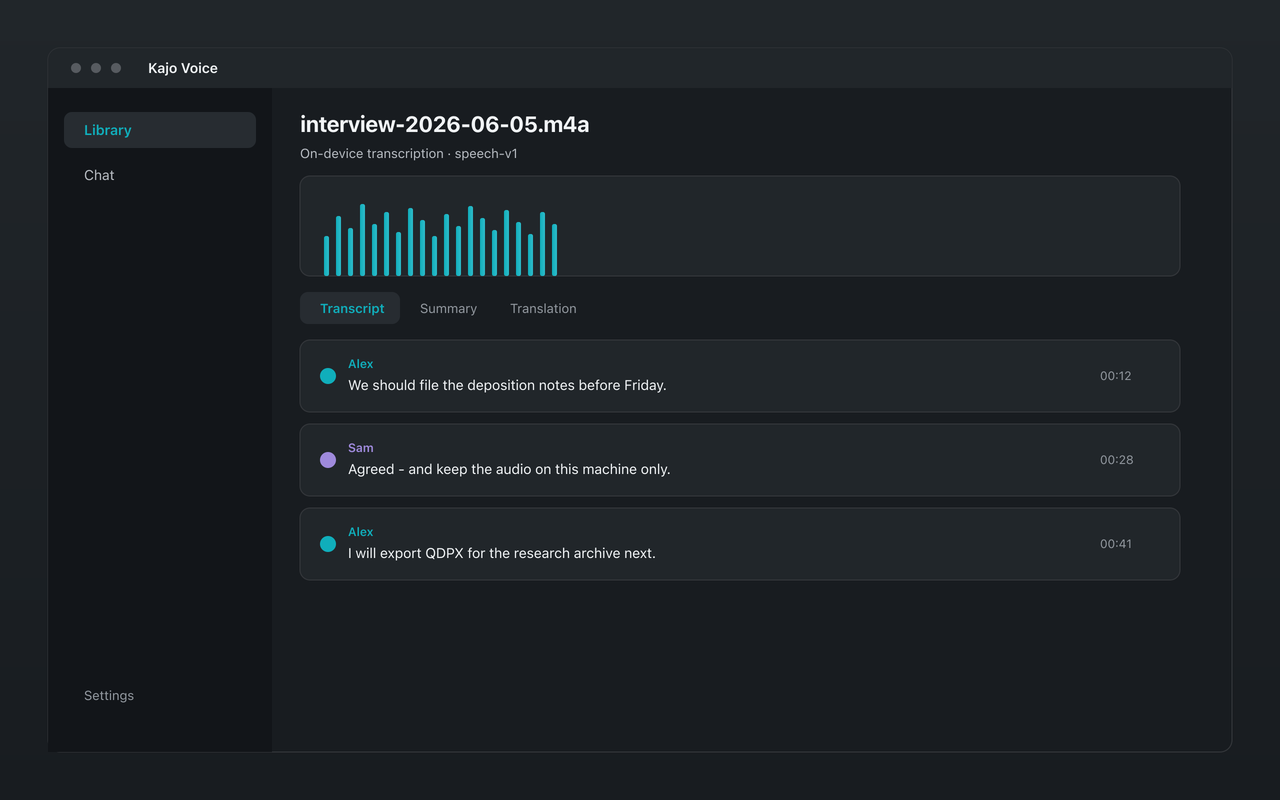
- Transcribe it on-device and read the transcript against the audio.
- Count the corrections you make. Twenty corrections in a thousand words is a 2% WER on your audio; two hundred is 20%.
- Test the hard cases separately: two speakers talking over each other, a phone recording, a switch into a second language.
Ten minutes of your own tape tells you more than any published table.
The review path inside Kajo
- Inline correction. Fix a misheard name once with inline segment edit; the correction re-indexes chat without re-transcribing.
- Speaker labels. Kajo labels speakers automatically per recording. Crosstalk and very short turns are where labels go wrong — rename, reassign turns, or restore the automatic labels, and review attribution against the audio when it matters.
- Summaries carry a review-required line. They are a starting point, not a record.
- Two decode profiles. Speech and sung vocals decode differently; Kajo picks the profile automatically and you can switch it for a file.
Code-switching follows the model’s behaviour: one language decision per recording, a multilingual vocabulary, so short switches usually come through as spoken and long runs in the second language are the spans to review.
The accuracy ceiling: when to use human transcription
For audio where word-for-word accuracy is legally required (court proceedings, depositions, regulatory filings), or where audio quality is genuinely poor (decades-old tape, field recordings in noisy environments), human transcription services such as Rev’s human tier ($1.99 per audio minute) remain the standard.
AI transcription — on-device or cloud — saves enormous time and cost for the majority of use cases. It is not a replacement for human review when the stakes of an individual error are high.
The practical recommendation: use AI transcription for drafting, search, and cited chat; use human review (yourself or a professional) when the transcript will be published, submitted as evidence, or relied on for high-stakes decisions.